Once your trip to Manila is set, preparing your smartphone is just as crucial as booking your flights and accommodation. If you land using only the apps you use back home, you’ll face major inconveniences in transportation, payments, communication, and connecting with the girls.
To be brutally honest, the foreign men who truly succeed in Manila’s nightlife always prepare the “essential local apps” before departure, without exception. Conversely, those who think, “I’ll just download them when I get there,” end up paying exorbitant late-night taxi fares, losing big money on exchange rates, or losing touch with a GRO because they didn’t have the right messaging app.
In this article, as someone who has frequented the Manila scene for years, I will carefully select and explain by category the ironclad apps you need to avoid any trouble. I’m only introducing apps that I personally use on the ground, so please make sure your smartphone is fully equipped using this guide before you depart.
[Transportation] Ride-Hailing & Map Apps to Survive in Manila
[Transportation] Ride-Hailing & Map Apps to Survive in Manila
The first and biggest challenge in Manila is transportation. The common sense from back home that “you can just hail a taxi and reach your destination normally” frankly does not apply in Manila. It’s no exaggeration to say that mastering ride-hailing and map apps determines your survival rate on the ground.
Grab is Your Lifeline in Manila | Never Take a Street Taxi
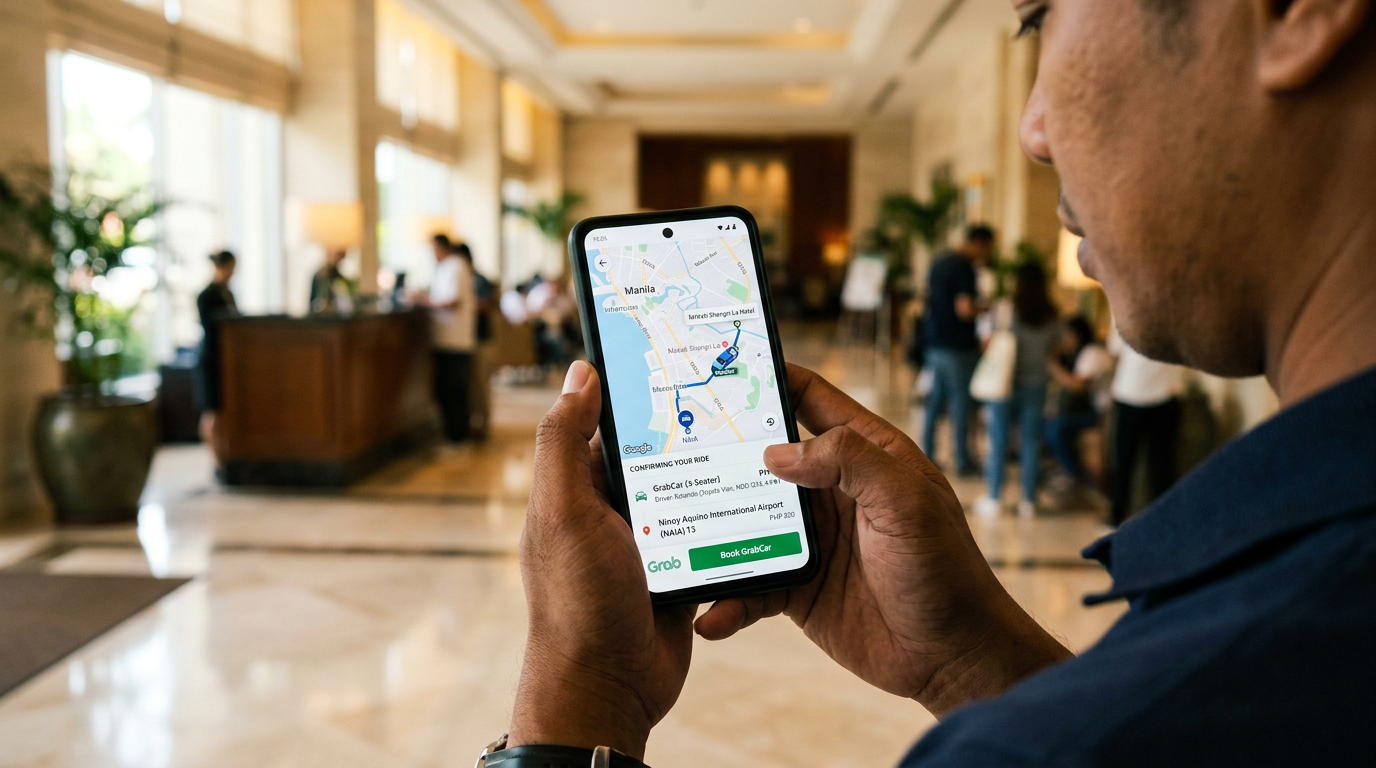
The absolute first app you need to install in Manila is Grab. This is the Southeast Asian equivalent of Uber, and it’s practically the only way for tourists to avoid taking regular taxis.
Why are regular taxis bad? The reality on the ground is that street taxis in Manila have an abnormally high rate of rigged meters or flat-out refusing to use them. There are countless drivers who will try to charge you 2 to 3 times the normal fare claiming “the meter is broken” or “it’s a special rate.” Even I, on my first trip to Manila, was charged 2,500 pesos for a ride from the airport to the city that should have cost around 500 pesos.
With Grab, the fare is fixed in advance on the app, and payment is completed in-app, leaving no room for getting ripped off. Opening Grab the second you land in Manila is an ironclad rule. You can easily book a ride using the airport’s free Wi-Fi, allowing you to head into the city completely trouble-free from the moment you arrive.
- Payment Methods
There are three: Cash, GCash, and Credit Card. Registering a credit card for your first trip is the easiest, and it eliminates the need to fumble with change when getting off. - Points to Note
During peak hours, “Surge Pricing” kicks in, jumping fares by 1.5 to 2 times. If you aren’t in a rush, waiting a few minutes before booking is my strict rule. Also, if your destination is hard to find, using “Pin Drop” (specifying the exact location on the map) before hailing prevents the driver from getting lost.
Beyond Grab! Ride-Hailing Apps to Use Depending on the Situation
As you get used to Manila, you’ll encounter situations where Grab alone isn’t enough (e.g., paralyzed by traffic jams, fares surging too high). In these cases, having the following apps as backups is highly effective.
- JoyRide / Angkas
Famous as “motorcycle taxis” that physically bypass Manila’s brutal traffic jams, both can actually be used to safely call “regular cars” (4-wheel) or “metered taxis” too. JoyRide’s “Taxi Cab” feature in particular is excellent for safely hailing a metered taxi via the app, avoiding the risks of hailing one off the street. When Grab’s prices are abnormally high or you can’t catch a ride in the rain, getting a competing quote for a 4-wheel ride (JoyRide Car or Angcars) is a pro move in Manila. Of course, if you are traveling alone with little luggage, using them as a motorcycle taxi can blast through an hour’s journey in 20 minutes. - Move It
This is also a motorcycle taxi, but its biggest advantage is that it can be booked directly from within the Grab app. If you don’t want the hassle of installing a new app, try the “Move It” tab inside Grab first. - inDrive
A ride-hailing (4-wheel) app where the passenger proposes a fare and negotiates with drivers who accept it. It’s incredibly useful as a last resort when Grab fares are insanely high during peak hours. The trick is to offer a slightly lower price and see how they react.
[Connectivity] Wi-Fi, SIM & VPN Apps
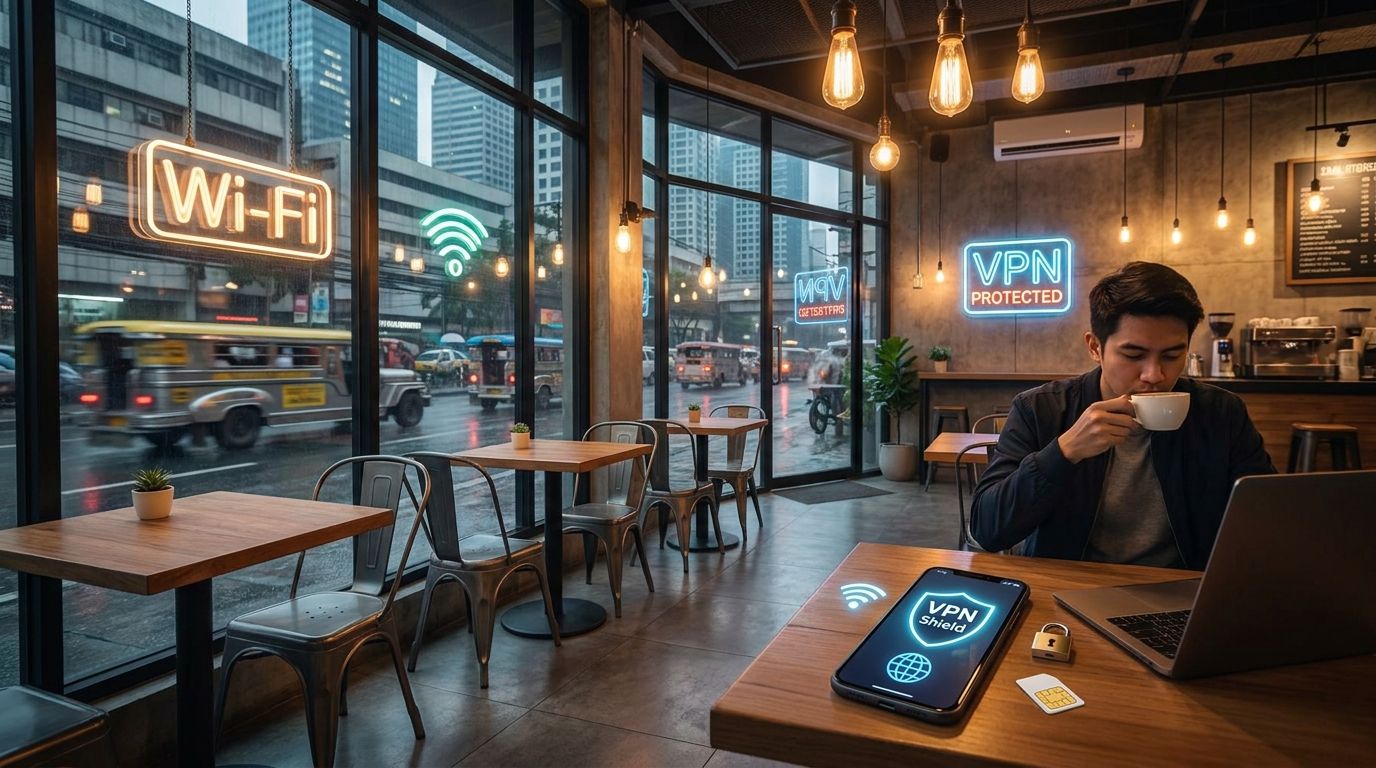
The next crucial element for using your smartphone in Manila is your connectivity. Using your home country’s SIM on international roaming is financially unrealistic, so setting up the trio of a local SIM + Wi-Fi + VPN is an absolute must.
Manage Your Local SIM with the Official Globe / Smart Apps
The two major telecom carriers in Manila are Globe and Smart. When you buy a SIM at the airport, you’ll be handed a prepaid card from one of them. Both have official apps where checking your data balance, buying load (credits), and subscribing to promo plans can all be completed in-app.
The apps are in English, and the UI is simple; as long as you can tap “Add Load,” “Buy Promo,” and “Check Balance,” you won’t have any issues. The biggest advantage is not having to run to a convenience store when your data runs out, preventing the tragedy of losing connection right when things are heating up at the KTV.
You can buy a SIM at the airport counters, but the prices are 10-20% higher than at 7-Eleven or carrier shops inside SM Malls in the city. The best strategy is to buy the minimum amount (like a 299-peso 3-day plan) at the airport, and top up your load via the app once you hit the city. For longer stays, promo plans like “GO99” (999 pesos for roughly 30 days of unlimited use) offer the best cost performance, so choose based on your stay duration.
The Alternatives: eSIMs and Pocket Wi-Fi
If you find buying a local SIM too much of a hassle, getting an eSIM contract back home before departure is a viable option. Using apps like Airalo, Ubigi, or Holafly, your connection starts right after landing just by scanning a QR code. The cost is roughly $10 to $18 for 7 days. It’s quite convenient since you don’t need to physically swap SIM cards, letting you keep your home SIM inserted.
If you are traveling in a group, Pocket Wi-Fi is an option. But honestly, it’s unnecessary if you mostly move independently; relying on a local SIM or eSIM keeps you lighter. Keep in mind that nothing is more annoying in Manila’s fast-moving nightlife than a “dead pocket Wi-Fi battery.”
Why a VPN is Mandatory | Public Wi-Fi Security & Bypassing Geo-blocks
One subtle yet highly critical tool is a VPN app. There are three reasons to install one.
First, security: preventing your credit card and personal info from being stolen on public Wi-Fi networks in hotels or cafes. Second, bypassing “geo-restrictions” that block your home country’s streaming services or banking apps from being accessed locally. Third, bypassing local ISP blocks on sites you normally browse back home.
Standard VPNs like NordVPN, ExpressVPN, or Surfshark are fine. Just select a server from your home country and connect, and you’ll be able to use your phone in almost the exact same environment as back home. Be sure to subscribe and set it up before departure.
[Communication] The Absolute Must-Have Messenger Apps for Filipina Girls
From a nightlife perspective, it’s no exaggeration to say this “Messenger Apps” section is the most important. Many tourists fail because they think, “I’ll just use the app I normally use back home.” First, drill this fact into your head: Most Filipina girls do not use foreign apps like WhatsApp or LINE on a daily basis.
The Fact: Viber and Messenger are the Mainstream in the Philippines
The two overwhelmingly mainstream apps in the Philippines are Viber and Facebook Messenger. Viber, in particular, is practically the Filipino phonebook—everything from store clerks and friends to family and lovers use Viber to communicate.
When a girl you like at a KTV asks for your contact info, exchanging Viber is the standard. If you try to force your preferred app on her, you’ll often hear “I don’t have it” or “I don’t know how to use it,” resulting in lost contact. Messenger is so widespread that virtually every Filipino has a Facebook account, so make sure to install both.
The Issue with Foreign Apps and the Rule for Getting Them to Install One
You might think, “I want to communicate using my own app,” but honestly, getting the girl to install your app is an advanced skill. If you want a Filipina girl to install a specific app, the golden rule is to open the app store together right then and there and complete the ID exchange on the spot.
However, you’ll often face reluctance due to a lack of storage space on her phone or concerns about data usage. Drop the idea that “one app is all I need” and operate with a triple threat of Viber, Messenger, and your preferred home app. That’s the reality of the scene.
The Positioning and Use of WhatsApp
WhatsApp is used in certain areas of Manila with a lot of Western clientele (around Makati and BGC), but it isn’t as common among local girls as Viber. If you remember the priority order of “Viber > Messenger > WhatsApp,” you won’t go wrong.
Messenger Priority When Connecting with Filipina Girls
- Viber (Top priority – Local daily infrastructure)
- Facebook Messenger (Runner-up – Everyone has it)
- WhatsApp (Just in case, especially around Makati and BGC)
- Your Home Country’s Primary App (If she installs it, you can often build a deeper connection)
[Translation] Apps to Erase the Language Barrier
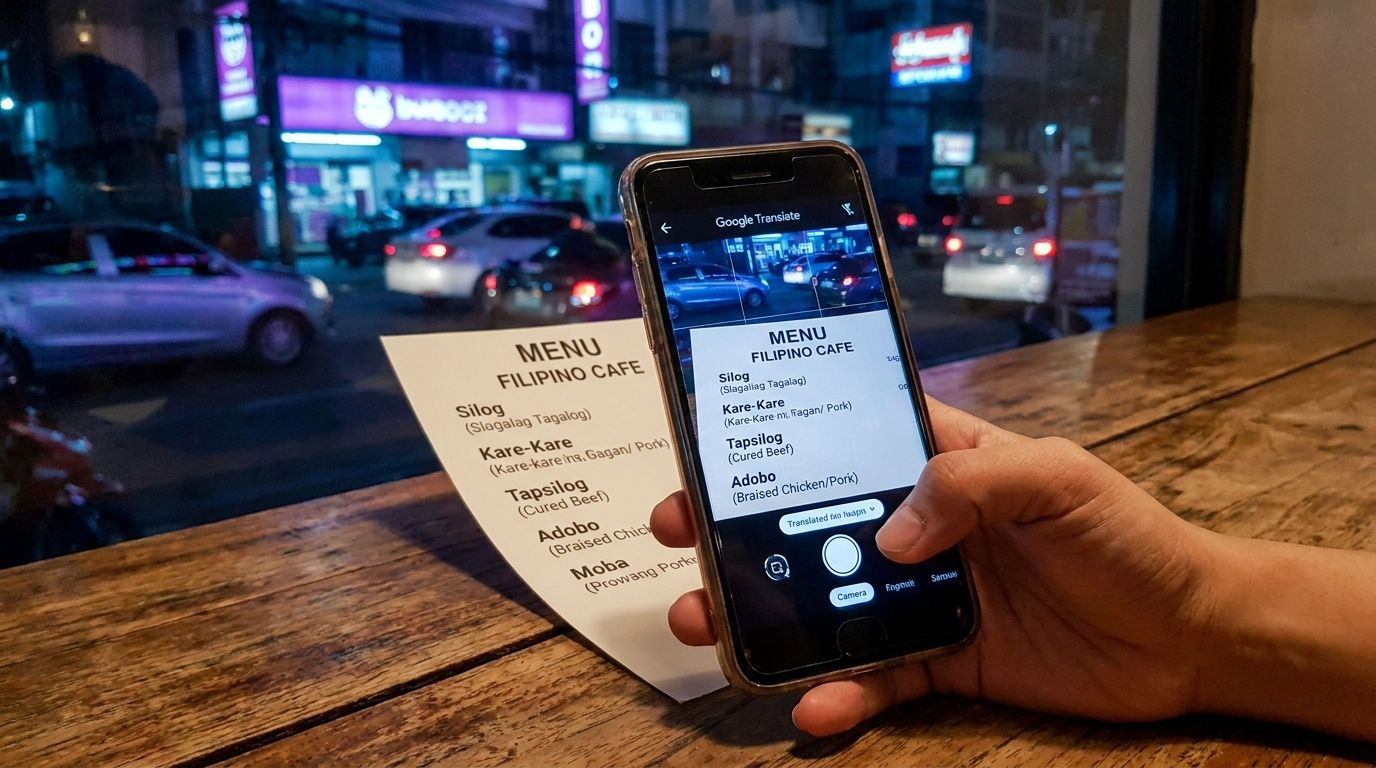
The less confident you are in English, the more critical translation apps become. In the Manila nightlife scene, with booze, loud music, and local dialects (Tagalog, Cebuano) mixing together, situations where even fluent English speakers can’t catch what’s being said are incredibly common.
The God-Tier Performance of Google Translate’s Real-Time Conversation Mode
The first app you must install is Google Translate. Specifically, the “Conversation” and “Camera translation” features deliver god-tier performance on the ground.
Conversation mode automatically detects the language and translates in real-time when you place the phone between the two of you and speak. When having complex discussions at a KTV late at night like, “Are you going home already?” or “Want to come to my place?” (a.k.a. Barfine negotiations), having this changes how deeply you can build the relationship.
Camera translation replaces Tagalog menus or signs with your native language on the screen just by pointing your phone at them. This prevents failures like blindly ordering at a restaurant and stepping on a culinary landmine because you couldn’t read the menu.
Another thing to remember is downloading offline dictionaries. If you download English and Tagalog dictionaries before departure, the translation works even when you’re offline. Absolutely do this as an insurance policy for bars without Wi-Fi or when your SIM acts up.
Ironclad Tagalog Phrases that Leave a Lasting Impression
Translation apps are versatile, but a man who can drop a single Tagalog phrase naturally at the right moment hits several times harder with the GROs. You don’t need difficult vocabulary, just keep these minimum ironclad phrases in your head.
Ironclad Tagalog Phrases for Manila’s Nightlife
- “Salamat” = Thank you (Most frequent)
- “Maganda ka” = You are beautiful (Classic pickup line)
- “Mahal kita” = I love you (For a girl you’ve deepened your relationship with)
- “Ingat” = Take care (Hits hard when said upon parting)
- “Kain tayo” = Let’s eat together (Inviting for a dinner date)
A man who can say “Salamat” with his own mouth closes the distance far faster than bringing up “Thank you” on a translation app. Rely on technology, but use your own mouth to the end—this is the golden rule of the field.
When to Use DeepL | Always Use This for Messaging
While Google Translate excels at real-time conversation and camera translation, DeepL produces overwhelmingly more natural text for written messages.
When exchanging long messages with a girl on Viber or Messenger, Google’s translations often feel robotic. DeepL, on the other hand, returns natural English that feels written by a native speaker. Because it elevates the impression of your messages, using DeepL for texting girls you want to build a real connection with is an absolute must.
Rules for Using Translation Apps
- Real-time conversations → Google Translate (Conversation mode)
- Translating signs & menus → Google Translate (Camera mode)
- Drafting messages → DeepL (Natural text)
- Checking word meanings → Standard dictionary apps
[Money] Exchange, Remittance & Cashless Apps
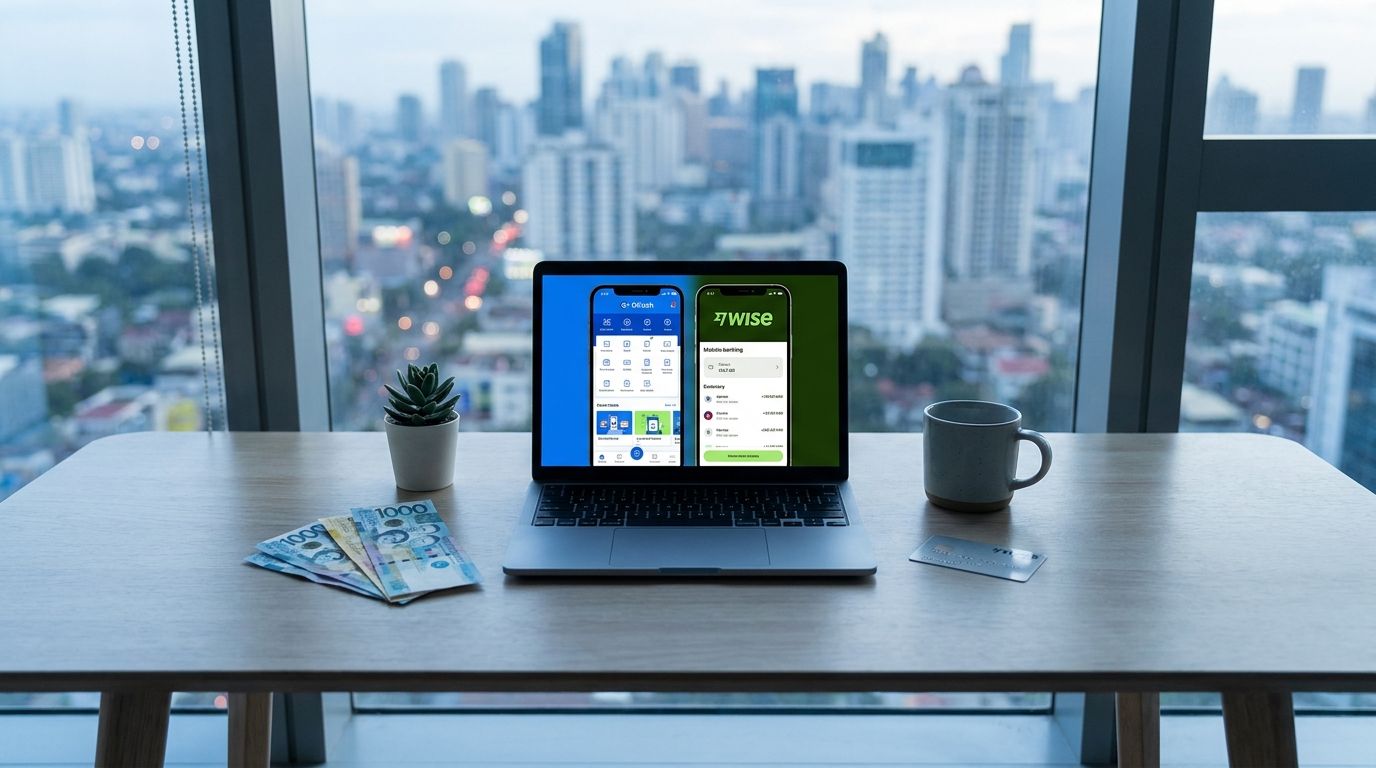
A surprisingly important aspect of the nightlife frontline is finance apps. Manila is rapidly going cashless, and if you try to survive on cash alone, you’ll step on landmines like unusable cards, currency exchange scams, and ATM fees.
GCash is Your E-Wallet for Manila | Usable for Sending Money to Girls
Indispensable for living in Manila is GCash. It’s an e-wallet similar to Venmo or PayMaya, usable in almost all convenience stores, taxis, and restaurants.
What makes it so convenient is that most Filipina girls have a GCash account, allowing you to send them money directly. Exchanges like “Buy this for next time” or “Here’s money for your taxi” can be completed via the app without handing over physical cash. Even foreign tourists can use it by following certain procedures, so if you plan on a long stay or want to deepen your relationship with a girl, be sure to register.
Use Wise to Cut International Remittance Fees to 1/3
When sending money to a girl after returning to your home country, Wise (formerly TransferWise) is overwhelmingly superior. While international bank transfers can cost $30 to $50 in fees, Wise gets it done for roughly $10 to $15.
Moreover, the exchange rate is close to the “mid-market rate,” which essentially means zero hidden fees, saving you a considerable amount each time you send money. It also supports direct transfers to GCash, making Wise an essential infrastructure if you plan on continuously supporting a girl financially (birthdays, help, allowances).
Instantly Detect Fraudulent Use with Your Credit Card App
Lastly, something often forgotten is the official app for your credit card company. Frankly, Manila has more skimming and fraudulent card use than back home, and it’s not rare to suddenly receive an unrecognized charge.
By having your credit card app installed, you receive real-time usage notifications, allowing you to instantly detect unauthorized use. To prevent the tragedy of finding a $1,000 charge on your statement after you return home, make sure to install the official app and turn on push notifications before you depart.
[Food & Booking] Hotel, Delivery, and Tourism Apps
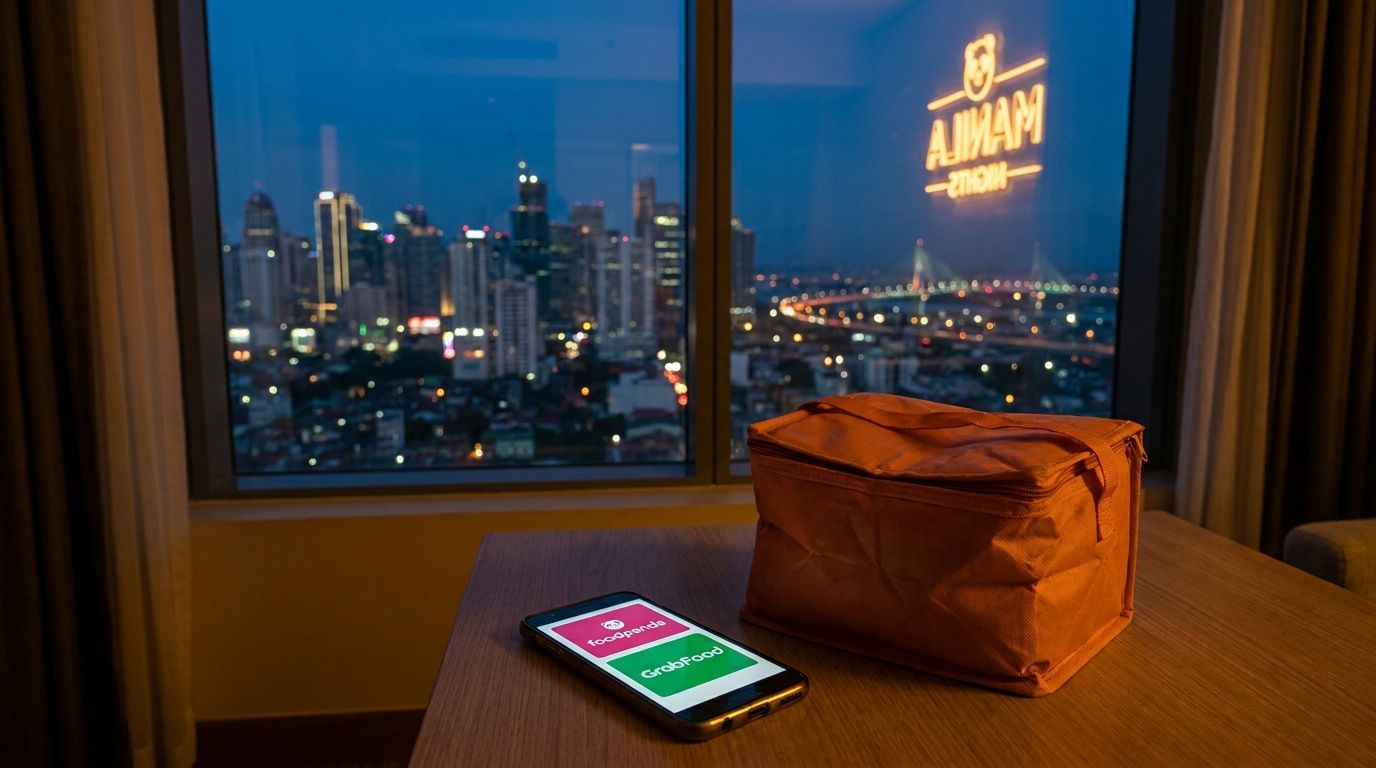
The final category is food, accommodation, and tourism apps that elevate the quality of your stay. These aren’t strictly mandatory, but you lose out by not having them, as they take your comfort to the next level.
Choosing Between Foodpanda and GrabFood
The big two delivery apps in Manila are Foodpanda and GrabFood. You generally only need one, but since their restaurant lineups differ slightly, having both instantly broadens your options.
Foodpanda has a strong lineup of Korean and Chinese restaurants, while GrabFood is strong for local cuisine and fast food (Jollibee, McDo). When relaxing in your hotel and ordering delivery late at night after the KTV, having these apps makes the difference between a “sleepless night” and a “perfect night.” Not having to run down to the convenience store after bringing a girl back to your room is a massive advantage.
Booking.com and Agoda | How to Build Your Hotel Strategy
It is a golden rule to install both Booking.com and Agoda to compare hotel reservations. It’s common for rates to differ by 1,000 to 3,000 pesos for the exact same room in the same hotel, so always check both despite the hassle.
In Southeast Asia, Agoda tends to have more inventory for local hotels (including mid-tier hotels near KTV districts), while Booking.com makes it easier to find free cancellation plans at major chains. My strict rule is to use them based on the purpose: I assign Agoda for longer stays and Booking.com for short trips where flexibility is key.
Maximize Your Local Time with Tourism and Local Info Apps
Lastly, as supplementary apps, installing tourism booking apps like Klook is highly convenient. Klook allows you to book tours, spas, and casino experiences near Manila in your preferred language, drastically cutting down the time you spend figuring things out locally.
Massages and spas are classic “daytime date” activities with a GRO, so booking in advance via Klook makes the actual day run much smoother. There is nothing more wasteful than standing around wondering, “Where should we go?”, so be sure to secure your bookings the day before.
Conclusion | Apps are Gear to Make You a “Man Who Doesn’t Hesitate” on the Ground
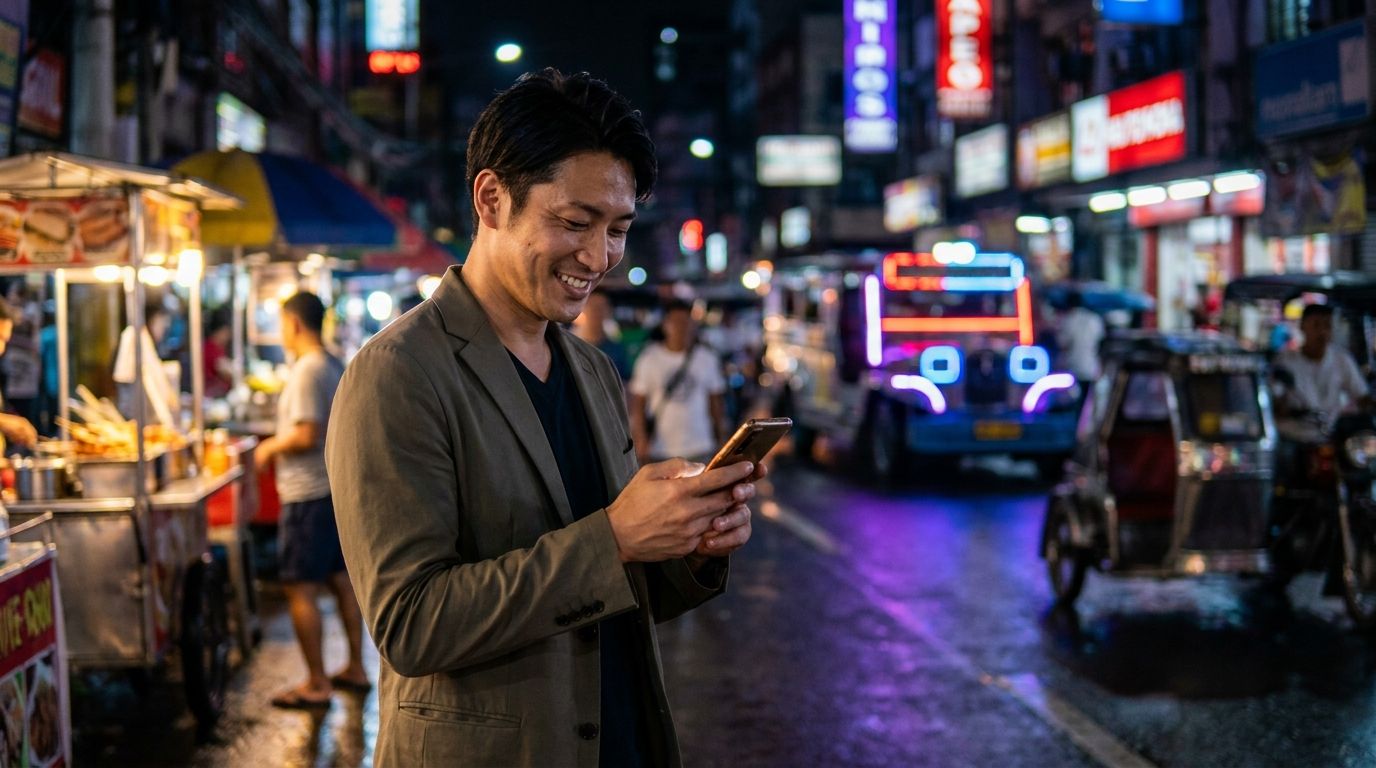
So far, I’ve introduced the apps that foreign men absolutely must install in Manila across six categories. What I want to emphasize finally is that apps are your gear to become a “man who doesn’t hesitate” on the ground.
It’s extremely common for people to learn about an app locally, rush to install it, and then get bogged down by registration procedures, SMS verification, and identity checks, making it unusable right when they need it most. By simply spending a few dozen minutes prepping your smartphone before departure, you can become a man who never hesitates in any area—transportation, communication, money, food, and your relationship with the girls.
Pre-Departure App Prep Checklist
- Transportation: Grab, Google Maps, Waze
- Connectivity: Official Globe / Smart apps, VPN (NordVPN, etc.)
- Communication: Viber, Messenger, WhatsApp
- Translation: Google Translate, DeepL
- Money: GCash, Wise, Official credit card apps
- Food & Booking: Foodpanda, GrabFood, Booking.com, Agoda, Klook
Be sure to use this article to fully equip your smartphone before your next trip to Manila. If you want more in-depth advice—like how to use these apps or troubleshooting communication issues to build a relationship with a specific girl—feel free to send a message to the author. I will provide real-world operational tactics tailored to your specific case.